
21 days free. No card needed.
Online Schedule Access for Staff, Anywhere
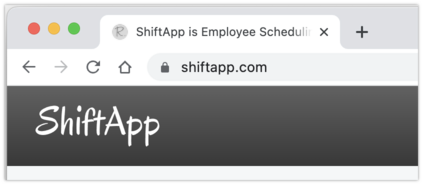
ShiftApp runs online, in any web browser and in the free iPhone and Android apps. There is nothing to install, so you can work on the schedule from the office, from home or on the move.
Always the latest version
We update ShiftApp on our servers, so everyone always uses the latest version without downloading anything. You can also have nightly backups of your schedule sent to your own Google Drive.
A free login for every employee
Invite your staff by email. Each person gets their own free account and can see the schedule on their phone or computer whenever they need to, so nobody has to call in to ask when they are working.
When the schedule changes, staff are told straight away by push notification or email, and they get a reminder before each shift.
People who work for more than one business see all their shifts in one place with the same login. See the mobile apps for more.
Getting your team on
- Add each employee to your workforce with their email address.
- Send them an invitation. Each person sets up a free login, or connects your workforce to the login they already have.
- They see their shifts straight away, on the website, in the app or on the mobile site.
Common questions
Do employees pay for their logins?
No. Every employee gets a free login, and only the account owner pays for a plan.
What happens when someone leaves?
Deactivate their employee record. They can no longer see your workforce, they stop counting towards your plan, and their past shifts stay on the schedule for your records.
Which web browsers work?
ShiftApp is tested on Chrome, Firefox and Edge. See browser support.
The invite users video shows how to bring your staff on.
21 days free. No card needed.